
What is the No Give Notices plugin?
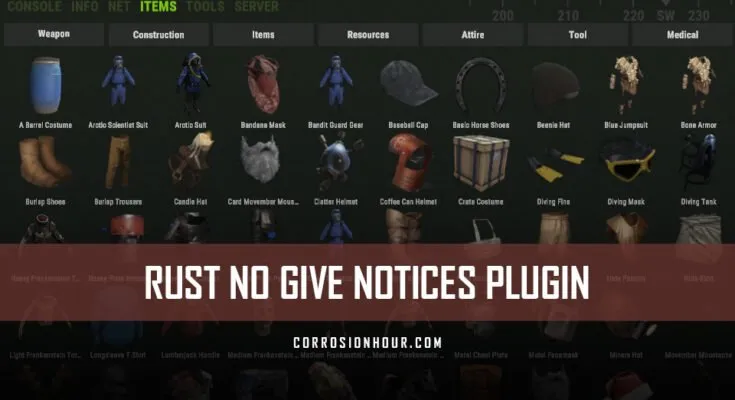
No Give Notices (NGN) is a RUST plugin that allows admins (or anyone with adequate permissions) to spawn items with the in-game F1 menu without readouts broadcasting to general chat. Actively being developed and updated by MrBlue, NGN is a free-to-use plugin available for download on uMod and a somewhat controversial tool in its own right. This controversy stems from the capacity to perpetrate admin abuse with its utility, allowing Admins to spawn items for themselves or friends without warning.
Potential reasons to use the No Give Notices plugin
Looking at the glass half full, No Give Notices can significantly affect more forgiving servers as a tool to compensate players for losses caused by game bugs inherent to RUST. Say a player fell into a Helk Hole and lost their body to the void. Admins can then use NGN to compensate the player in the form of in-game items without the appearance of favoritism or the like.
Alternatively, RUST admins could use this mod to perpetuate the cause of ‘admin abuse,’ depending on the server description and rule set. The NGN plugin is one of the simplest mods available and has very little utility other than its base use.
Installing the No Give Notices plugin
As with all uMod plugins, the server you intend to install them on requires uMod (Oxide) to be installed to facilitate their function. For a step-by-step perspective on how to install this plugin, please reference the following list:
- First, you must have uMod/Oxide installed on your server. Use our Installing uMod (Oxide) on Your RUST server guide if you need help; otherwise, if you use a third-party hosting, their user interface will have instructions on how to get started. It may be tooled explicitly to their platform, so reach out to your host for details.
- Acquire the latest version of the plugin from uMod’s NGN page, or download the CS file directly.
- Locate the downloaded
NoGiveNotices.csfile and install the plugin on your RUST server, or follow your host-specific instructions. - Once you’ve installed No Give Notices in the plugins folder, and if the server is actively running, uMod will immediately create an alternate
NoGiveNotices.jsonfile in your config folder. There is no additional configuration necessary beyond this point.
Permissions
Unique almost unto itself, the No Give Notices plugin requires no permissions to function after installation. It simply returns Null whenever a give command is issued, stopping the server from displaying the give warning across the global chat.
Activation steps
No steps are required to activate the No Give Notices plugin once installed, as it activates automatically.
Recommended plugin configurations
Once installed, the No Give Notices plugin does not have a generated config file. The plugin code is a concise 17 lines in total and has no configurable fields.
How to update the No Give Notices plugin
Updating the No Give Notices plugin is a simple and quick process to get started:
- Visit the uMod NGN plugin page
- Download the latest version of the NGN plugin
- Overwrite the existing NoGiveNotices.cs file in your Oxide plugins folder.
It is best practice not to uninstall the mod, as you do not need to alter the JSON file. It will remain with your existing settings (unless the developer otherwise suggests a complete reinstall).
How to remove the No Give Notices plugin
As the No Give Notices plugin doesn’t impact player experience or game features necessary to run processes in the game itself, removing the plugin is as simple as deleting NoGiveNotices.cs from your plugins folder.
- Open the Oxide plugins folder in your server directory.
- Locate and delete the
NoGiveNotices.csfile
Disclaimer and seeking assistance
Corrosion Hour does not maintain the RUST No Give Notices plugin, nor do we assist with modifying the plugin outside the config scope. Visit the plugin’s uMod page directly to support the plugin creators, report bugs, or propose feature requests. Please get in touch with an admin in our Discord community for help with the steps and instructions in this guide.